Adding a Client
Add a client and their client sites in Core Inspection, with fields for reminder emails, notes copied onto jobs, and site-level inspection intervals.
Last updated
Introduction
Core has as register of clients for you to store client information. Each client in core must contain 1 or more client sites.
Equipment in core is assigned to a client and a client site.
Jobs in Core are also assigned to a client and a client site.
To add a client and client sites please perform the following steps.
-
Log in to Core.
-
Go to "Clients" in the menu
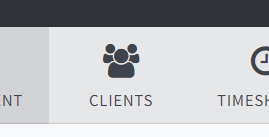
-
Click "Add New"
-
Fill out the relevant details then click "Add New" to add your first client site.
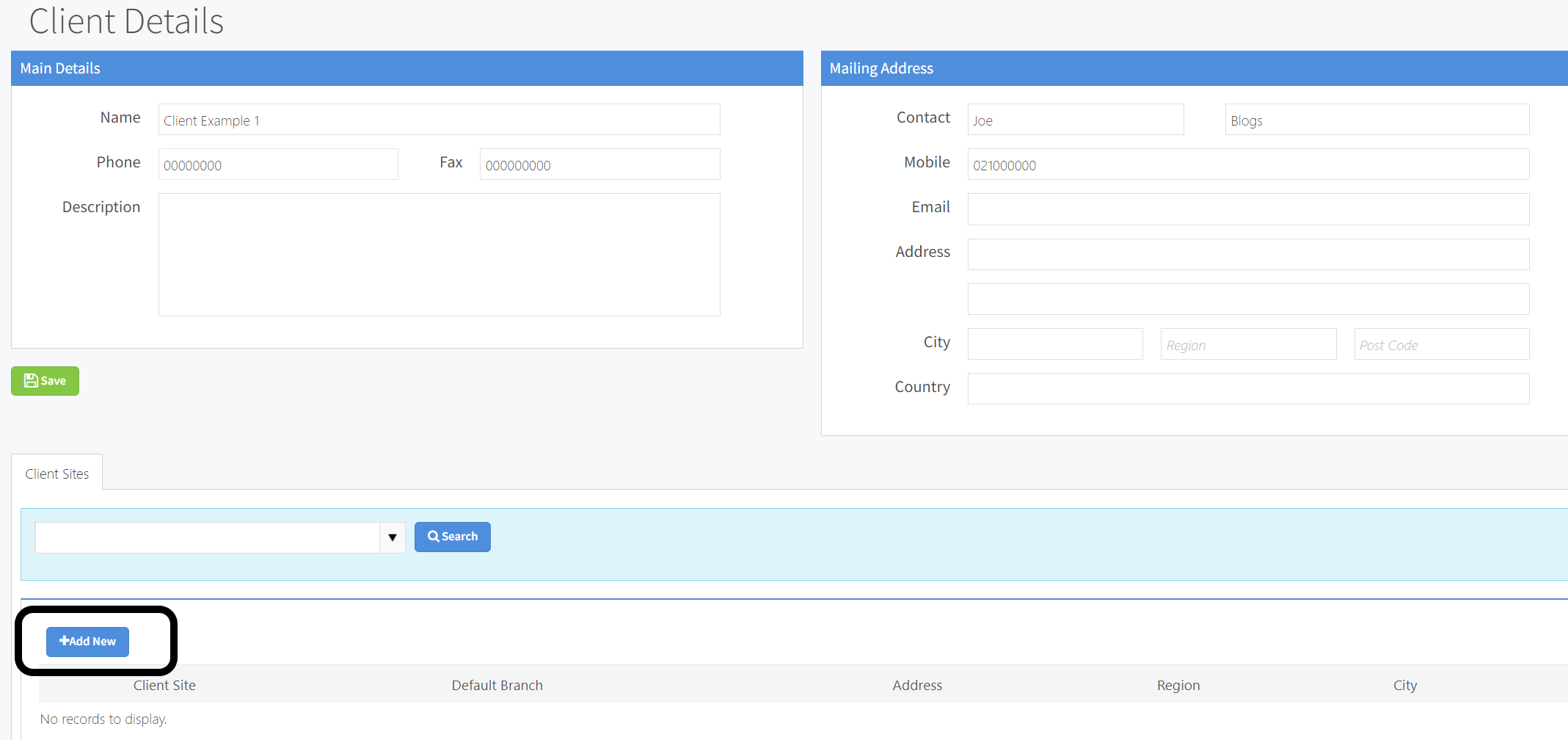
- Fill out the relevant details and press save.
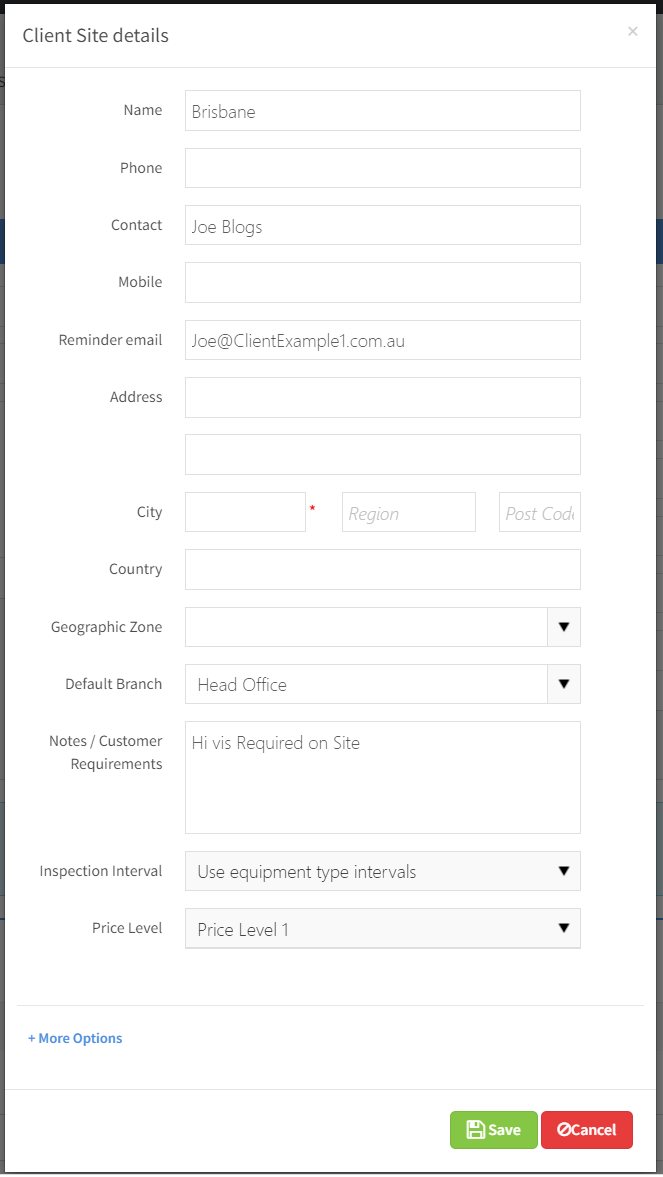
- Repeat step 5 for every client site at this client.
Some special fields to note are listed below
| Reminder Email | There is an option in Core to automatically send email reminders to client's when their equipment is coming due. This is the field that is used for these emails. |
| Notes / Requirements | This field is for storing information about the client eg tagging requirements. Every time a job is created, this information is copied into the notes field on the job. |
| Inspection Interval | The next inspection date for equipment in core is defined on the equipment type. For example you might have chain slings set to 12 months and harnesses set to 6 months. This inspection interval shown on the client site page overrides the equipment types, for example if this field is set to 3 months then all equipment at this site will be set to 3 months. The exception to this rule is where the equipment type has a lower value than the client site. For example in Australia round slings must be inspected every 3 months, if the client site inspection interval is set to a year then round slings at this site will still be due every 3 months as this is the minimum required by the relevant standard. |