Adding Predefined Comments
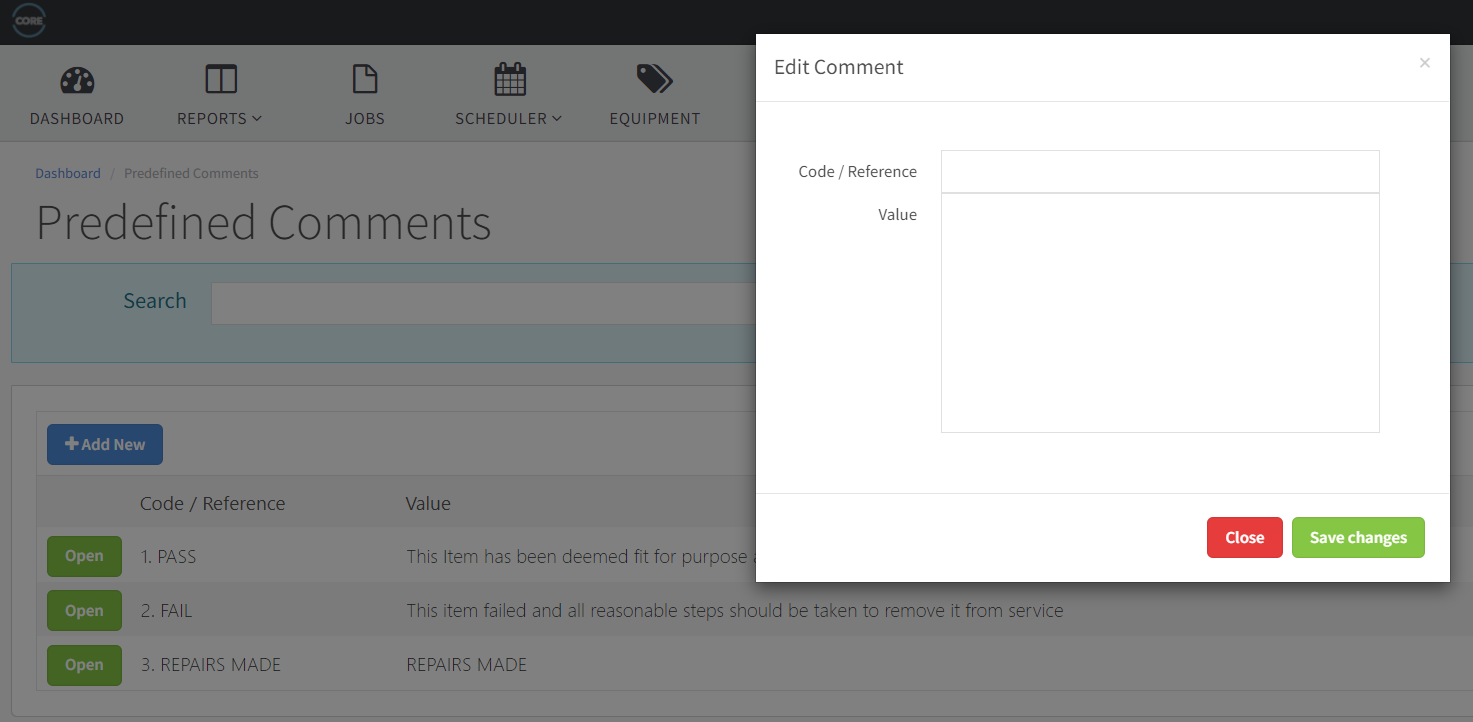
Speed up examinations with predefined comments technicians pick and amend on-device — added under Configuration > Predefined Comments with a code and value.
Last updated
Introduction
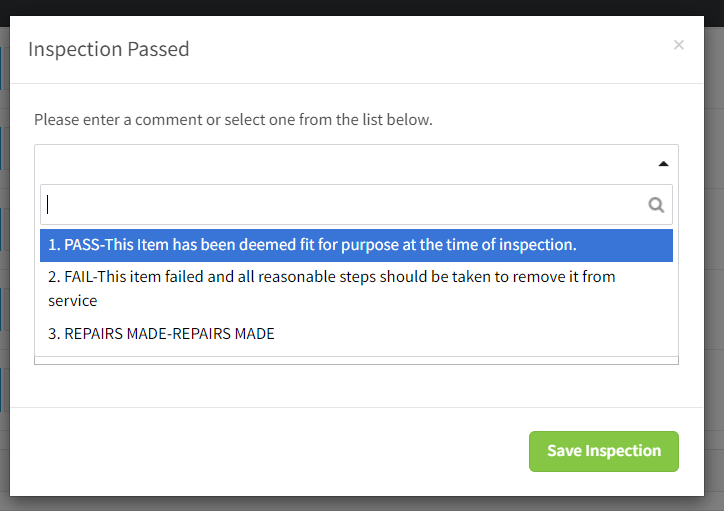
Predefined comments are comments that appear in a pick list at the end of any examination.
They are used to speed up the examination process by providing an existing comment that can then be ammended once selected.
The comments then can appear on individual certificates and registers.
To add a predefined comment please take the following steps.
- Log into yourcompanyname.coreinspection.com as an adminstrator user.
- Go to Configuration - > Predefined comments.
- Click "Add New"
- Enter a Code and Value and press save changes.